Passages
Overview
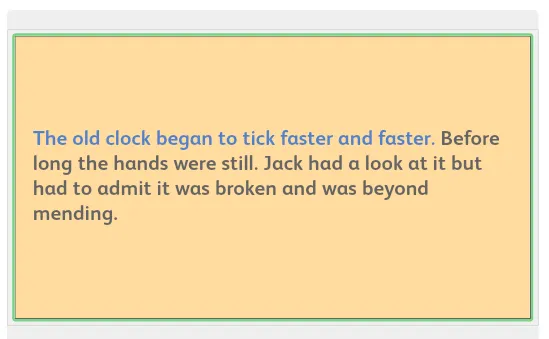
Sentences practice specific vocabulary whereas passages can develop a story or theme.
Students will be able to read with confidence because they have used the words before and the sentence structure is tightly controlled.
One paragraph is displayed on the screen at a time.
In the early part of the program, and where there is dialogue, there is always more than one sentence displayed at a time.
Passages do not occur on every page of the program. See the UofS Sequence Map for details of where they are.
Practice
- Click on the first sentence, read it aloud and then click again to hear the sound.
- Repeat for the second sentence and so on.
- The student then reads the whole passage again aloud without clicking on each sentence/listening to the sound. This gives fluency practice and helps the student to maintain the continuity of the story.
- You should see students develop their technique with passages as their decoding skills improve.
Completion
- The stars tell you the number of paragraphs in the passages.
- When one paragraph is completed, click on the arrow in the usual way for the next paragraph.
- When all the stars are filled in the activity is completed.